It's just under 72 hours until we get to return to Vice City on November 19. If you’re like us and can’t wait to get a little Grand Theft Auto VI vibe going early, we’ve got just the thing.
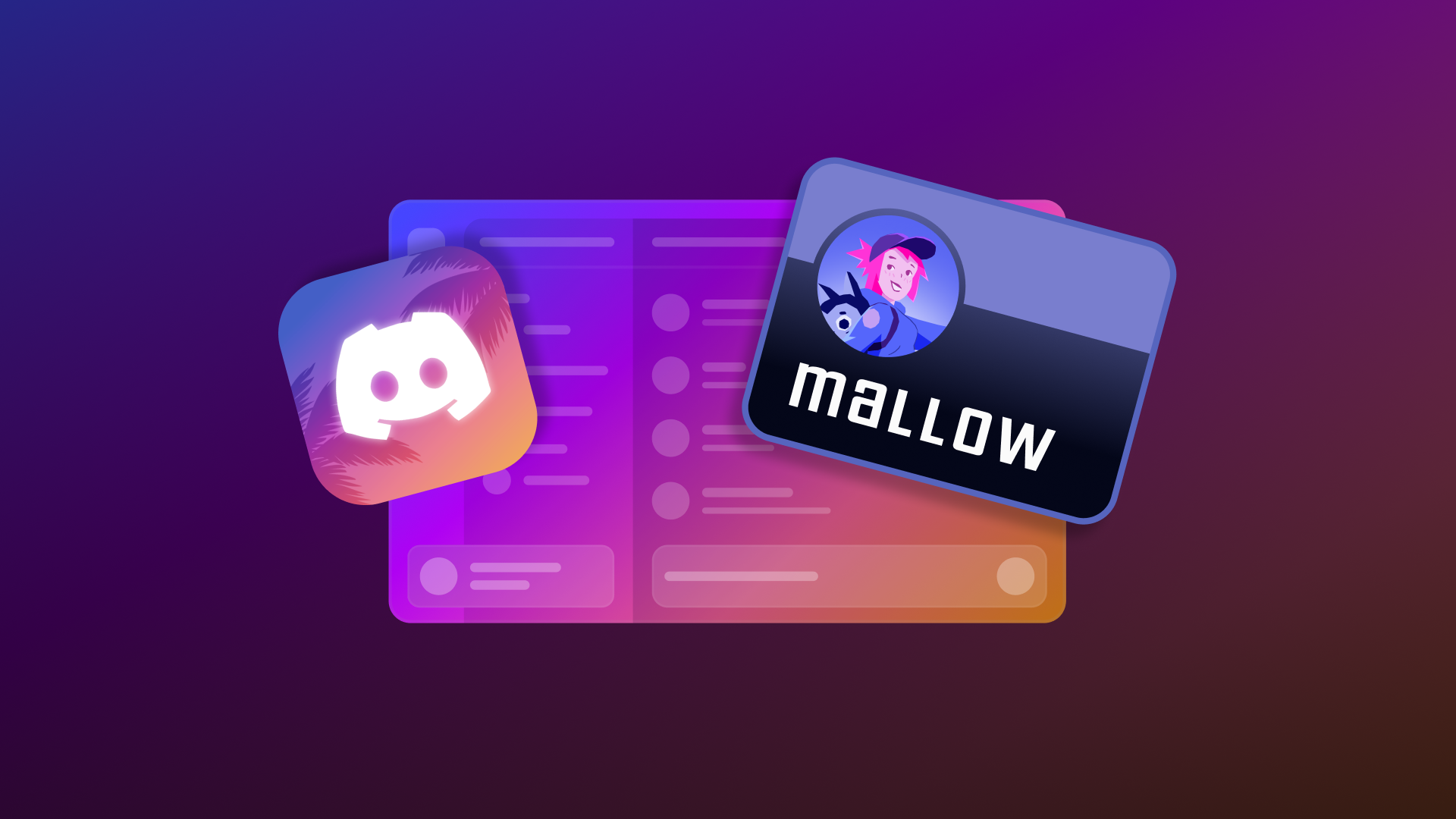
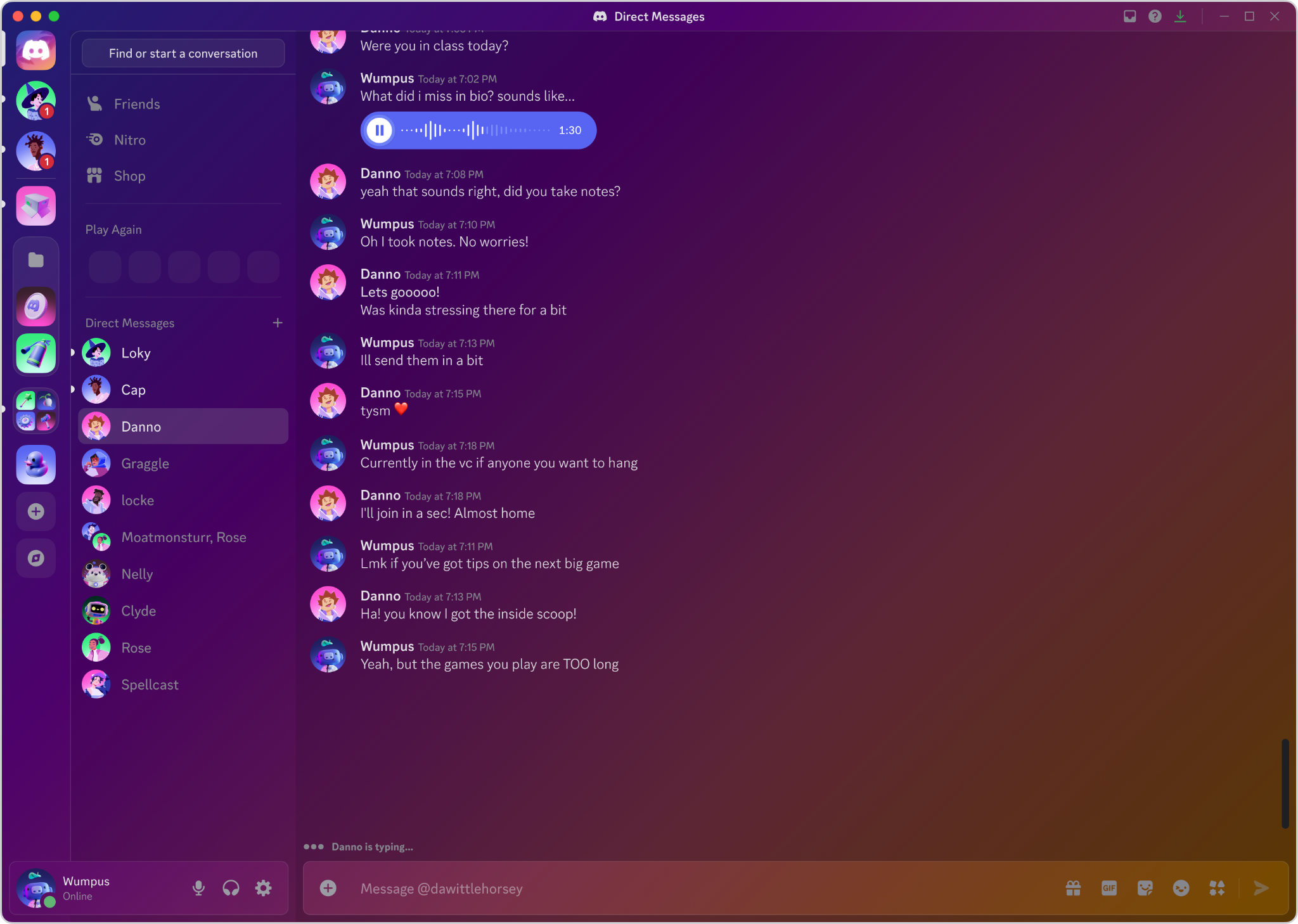
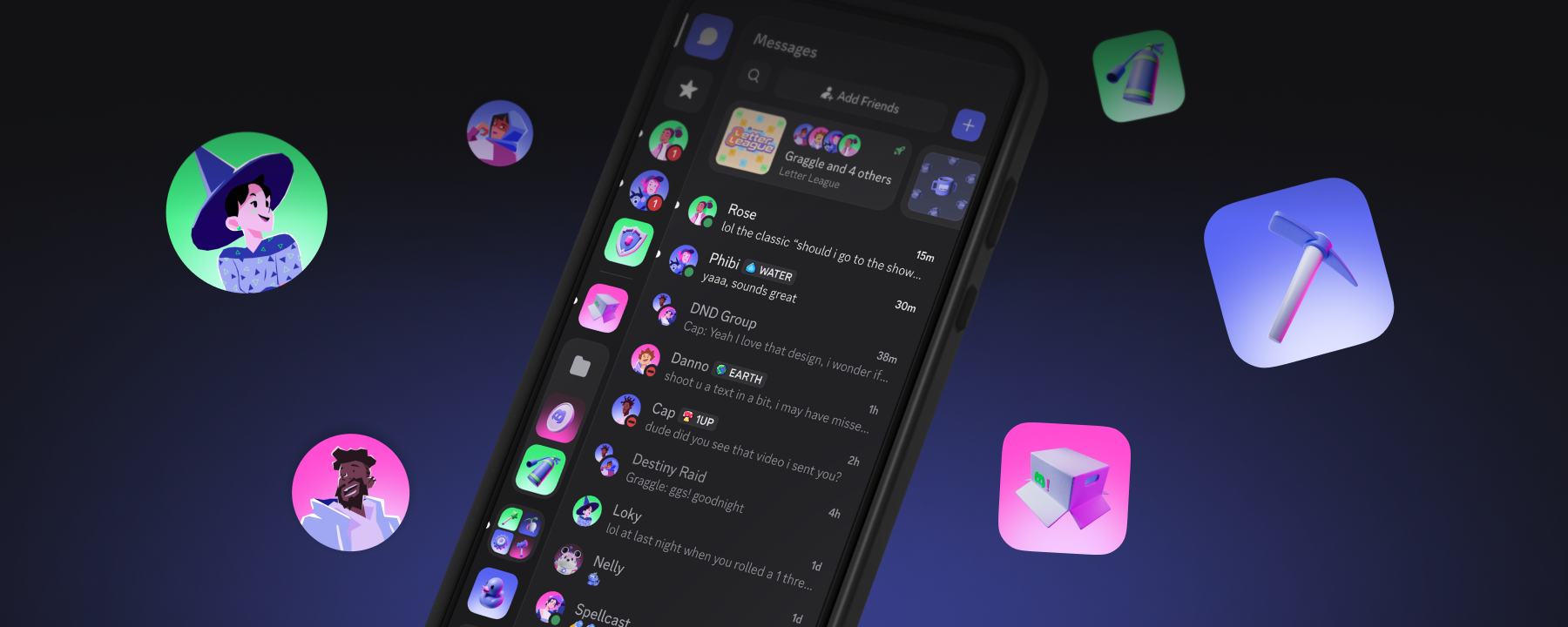
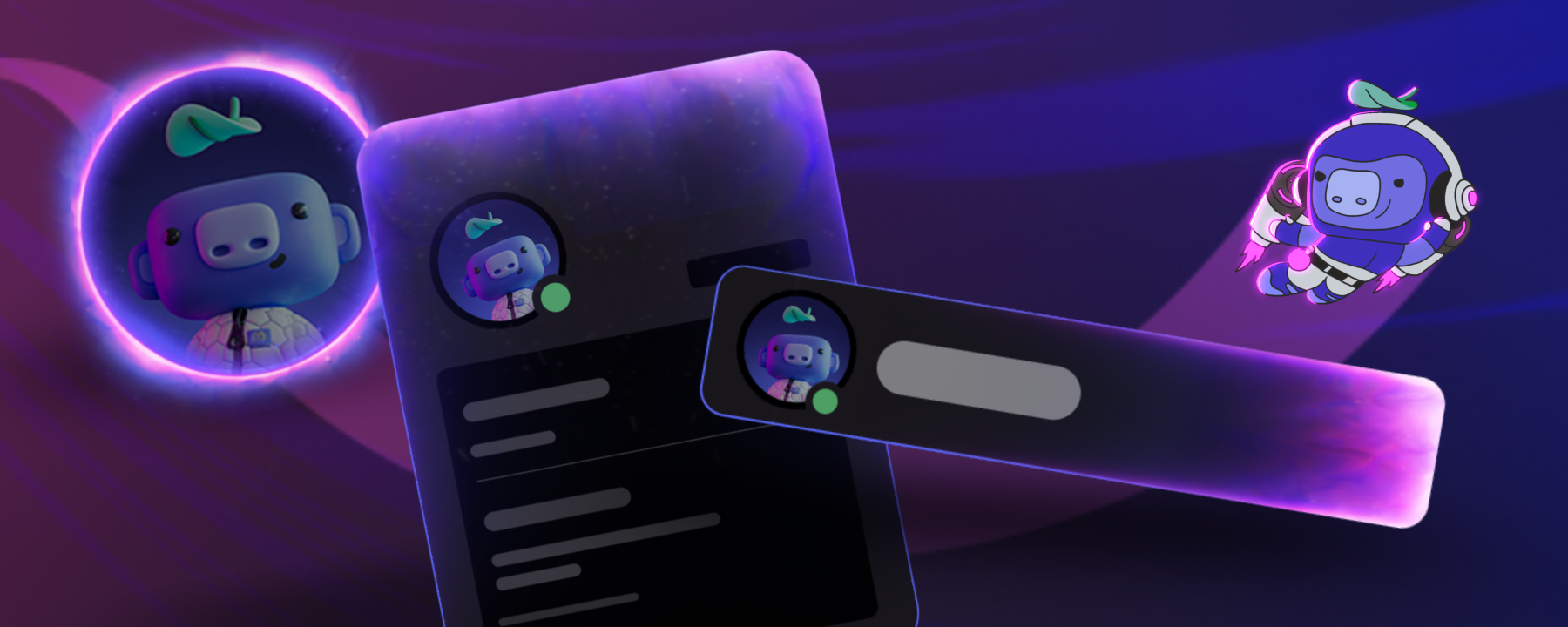
Starting today, you can apply the Vice City color theme, app icon, and Display Name Style.
How to Apply the Vice City Theme
The limited-time Vice City theme is available on both desktop and mobile, so you can match your look with Vice City wherever you are. It’s available to everyone through December 13 and to Nitro members (excluding Nitro Basic) through February 20.
During the first week, from November 16–22, you can tap the button below to navigate straight to the theme in the Quest Home and apply it immediately.
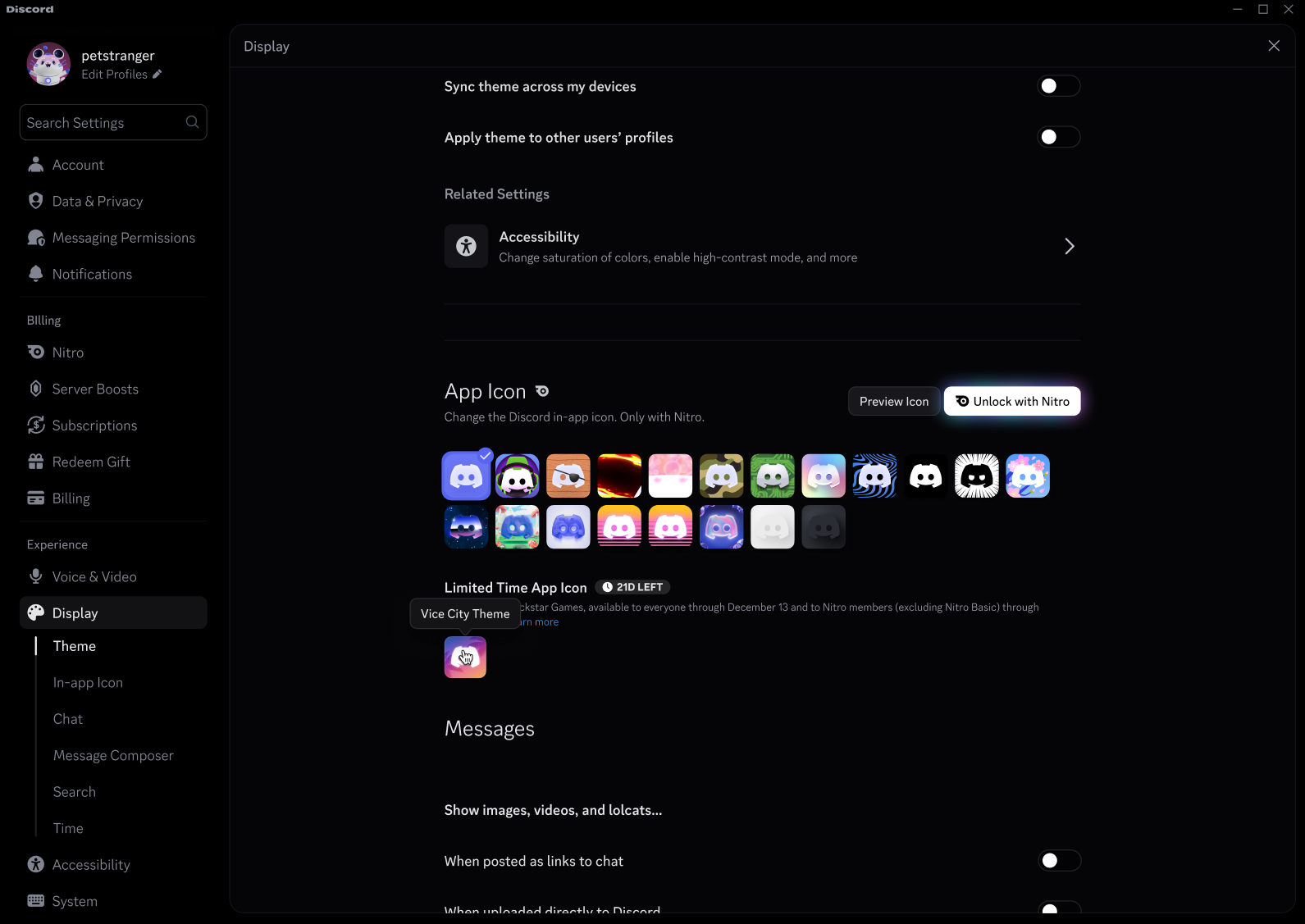
After November 22, you’ll find the Vice City color theme and app icon in either User Settings → Appearance on desktop, or Settings → App Settings on mobile. The Display Name Style will be available the next time you go to customize your profile.
Don’t Miss Out on More Loot
Now that you have your new theme, check out these other opportunities to max out your Vice City vibe.
Grand Theft Auto VI: Pre-Load Quest - Eligible players can earn Orbs through this Video Quest. Quest ends 11/18.
If you need a bit more guidance on Quests, check out our Help Center.
Got some cool combinations with your themes? Be sure to show them off and tag us on X, TikTok, and Instagram!
Tags
No items found.
Clyde
Your personal guide to all things Discord, Clyde is here to support you throughout your experience in the app. Got questions? Pressed the wrong button? Clyde's got your back.